
MonitEye modules

Your cameras no longer just watch.They think.

Turn your footage into action with AI.

MonitEye turns your existing cameras into a smart decision-support system with AI-powered image analysis.

Analyse everything in real time, from production and quality inspections to occupational safety and field operations. Detect risks, errors and inefficiencies automatically and make faster, better decisions.

50+Run every process from one platform with more than 50 real-time AI applications.
ActiveActiveIdle 00:15CAM-12
Body · OK 0.98Missing clipCAM-14
Helmet · Vest ✓No vestCAM-17
Planogram OKEmptyMisplacedCAM-21
Live analysis4 cameras · 4 modules
MonitEye

Smart image analysis across your business

MonitEye analyses footage from your existing camera systems with AI and delivers solutions for the different needs of your business. From one platform you can monitor production performance, detect quality defects and identify safety risks as they happen.

Integrates with your existing cameras
Real-time image processing and analysis
AI scenarios tailored to your needs
Automatic alerts and notifications
Central dashboard and performance reporting
Scalable, modular architecture

Existing infrastructure. Smart analysis. Measurable results.

Modules

Six modules. One platform.

CarryingWaiting 03:1201 · MODULE
01 / 06

Operational Efficiency Module

Make production visible, measurable and manageable.

Analyse production lines, employee movement and operations with AI. Find lost time, waiting and bottlenecks, and use your resources more efficiently.

  • Production line and workflow tracking
  • Cycle time and downtime analysis
  • Staff and workforce tracking
  • Machine and station utilisation analysis
  • Forklift and on-site movement tracking
Explore the Operational Efficiency Module
Cycle 42 sStep 3/502 · MODULE
02 / 06

Process Analysis Module

Analyse every step of production and optimise the operational flow.

MonitEye follows production end to end with AI-powered image analysis. It detects workflow deviations, sequence errors and operational disruptions so that processes run to standard.

  • Production step and sequence tracking
  • Operational process flow validation
  • Operation time and cycle analysis
  • Process deviation and anomaly detection
  • Workstation and hand-over tracking
  • Identifying non-standard practices
Explore the Process Analysis Module
Surface OK 0.99Tool wear03 · MODULE
03 / 06

Quality Control Module

Detect product defects on the line, in real time.

MonitEye identifies product defects automatically with AI-powered image analysis. It supports manual quality checks so that inspections are more standard and consistent.

  • Crack, scratch and deformation detection
  • Missing parts and assembly errors
  • Dimension and size control
  • Production step validation
  • System integration for automatic rejection of defective products
Explore the Quality Control Module
Helmet · Vest ✓No vest04 · MODULE
04 / 06

Occupational Health & Safety Module

Spot risks on site before they happen.

Analyse work areas continuously through your existing cameras. Detect missing PPE, hazardous-area violations and risky behaviour automatically.

  • Helmet, vest and PPE checks
  • Safe-zone violation detection
  • Forklift and pedestrian interaction
  • Safety harness checks
  • Smoking and prohibited behaviour detection
  • Fall and motionless person detection
Explore the HSE Module
FENCE 3 · 02:14Intruder · 0.9505 · MODULE
05 / 06

Security Module

Watch your sites 24/7 and catch security breaches instantly.

MonitEye turns your existing cameras into an AI-powered security system. It analyses unauthorised entries, suspicious movement and security breaches in real time, raising security at plants, warehouses, campuses and commercial sites.

  • Unauthorised entry and zone breach detection
  • Suspicious movement and behaviour analysis
  • Restricted-area access control
  • Door and entry–exit tracking
  • Abandoned and suspicious object detection
  • Area density and people counting
  • Vehicle and car park movement tracking
Explore the Security Module
06 · MODULE
06 / 06

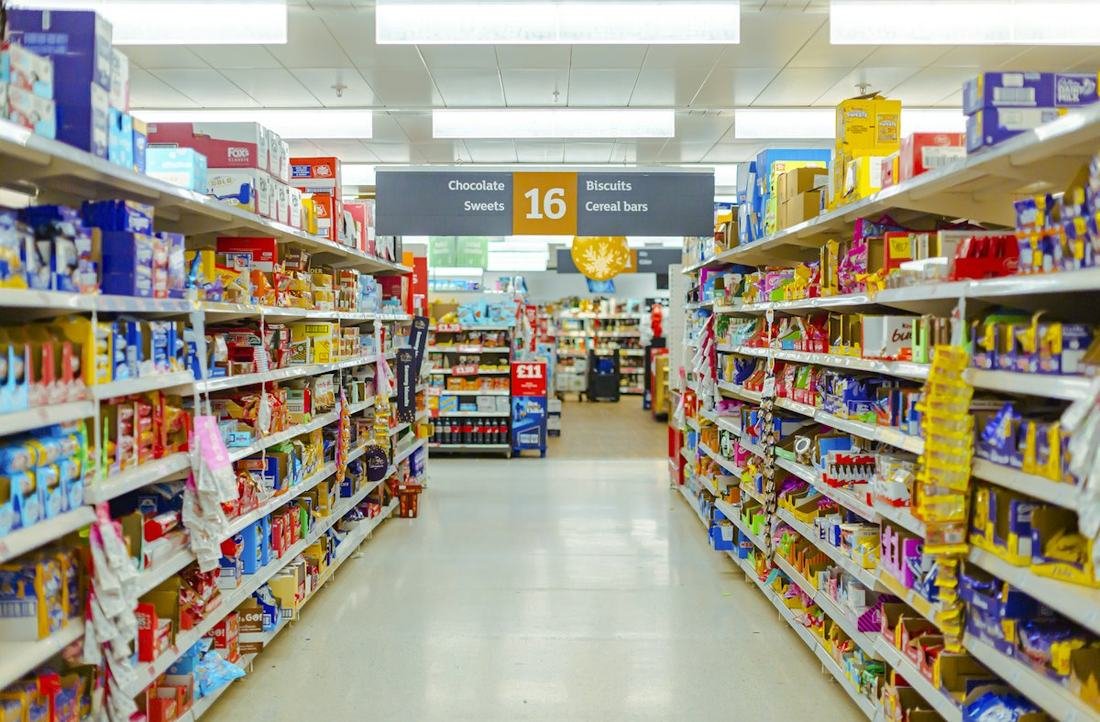
Retail Module

Analyse store operations and improve the customer experience.

MonitEye tracks in-store customer movement, visitor density and operations with AI-powered image analysis. By analysing customer behaviour it helps optimise store layout, staff planning and sales operations.

  • Customer counting and visitor density analysis
  • In-store customer movement tracking
  • Aisle and product-area interaction analysis
  • Checkout queue and waiting-time tracking
  • Staff and customer interaction analysis
  • Store space utilisation efficiency
  • In-store density and heat-map analysis
Explore the Retail Module
Applications

One platform. More than 50 smart applications.

Pick the scenario you need and turn your cameras into smart analysis systems.

01
Active / Idle Time AnalysisMeasures the active working and waiting time of employees and machines.
02
Employee Movement & Time AnalysisAnalyses staff movement and time spent at the task.
03
Production Area UtilisationMeasures usage density and capacity efficiency of production areas.
04
Workstation Occupied / Empty TimeTracks usage and waiting times of workstations.
05
Process Flow Efficiency AnalysisFollows the flow of production steps to pinpoint delays and disruptions.
06
Staff Efficiency AnalysisAnalyses employees' operational performance and task durations.
07
Unnecessary Motion & Time LossIdentifies unnecessary movement and time lost during production.
08
Shift-Based Performance AnalysisCompares the production performance of different shifts.
09
Machine Failure & Anomaly DetectionDetects unusual machine behaviour and early signs of failure.
10
Downtime AnalysisMeasures downtime on production lines and machines.
11
Machine Utilisation (OEE) TrackingTracks machine use and operational effectiveness through OEE indicators.
12
Line Balancing & Bottleneck DetectionFinds capacity imbalances and bottlenecks on production lines.
13
Workstation Density AnalysisMeasures staff and operation density at workstations.
14
Real-Time Production EfficiencyFollows production live and delivers performance data.
15
In-Process Inefficiency & DeviationDetects deviations from the standard operating flow and inefficiencies.
16
Assembly Sequence AccuracyChecks that assembly steps follow the defined sequence.
AI scenarios

Pick the scenario you need.

Every business has different needs. MonitEye offers AI scenarios that can be tailored to the requirements of different sectors and operations.

From spotting a stop on the line to finding a defect on a product, from worker safety to on-site movement, it brings many applications together on one platform.

Production AnalyticsCycle time, downtime, waiting, workflow
Workforce AnalyticsPeople counting, area density, working time
Quality ControlCracks, scratches, missing parts, assembly errors
Occupational SafetyPPE, safety harness, safe zones
Vehicles & EquipmentForklift tracking, vehicle–pedestrian interaction
Smart Area AnalysisHeat maps, area occupancy, movement analysis
Visual Data ReadingBarcode, QR code and text reading
Security AnalyticsUnauthorised entry, restricted zones and incident detection
How it works

Smart decisions from the cameras you already have

MonitEye uses your existing cameras to run AI analyses tailored to your business.

01Camera IntegrationConnect your existing IP cameras to the MonitEye platform.
02Scenario DefinitionChoose and configure the AI scenarios your business needs.
03Real-Time AnalysisAnalyse camera footage with AI and detect the defined situations automatically.
04Notifications & ReportingReceive event notifications, follow results on the dashboard and make data-driven decisions.
Sectors

Different sectors, different needs, one smart platform

MonitEye's flexible structure adapts to the operational needs of different sectors, from production plants to commercial spaces.
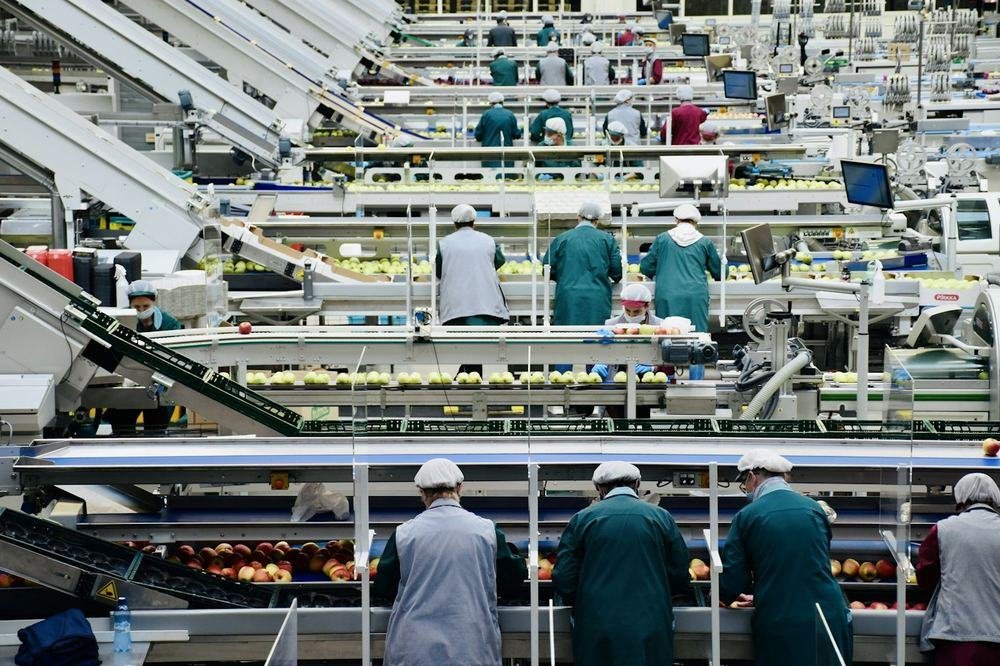
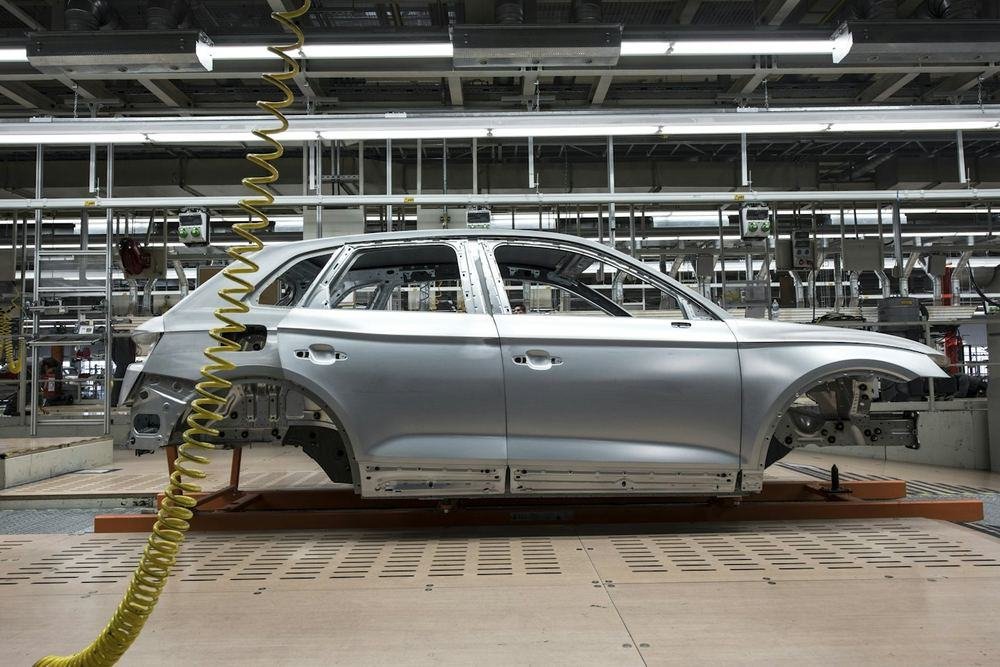
AutomotiveProduction line tracking, assembly checks, quality defect detection and occupational safety.
Production & ManufacturingProduction performance, process analysis, product quality control and operations tracking.
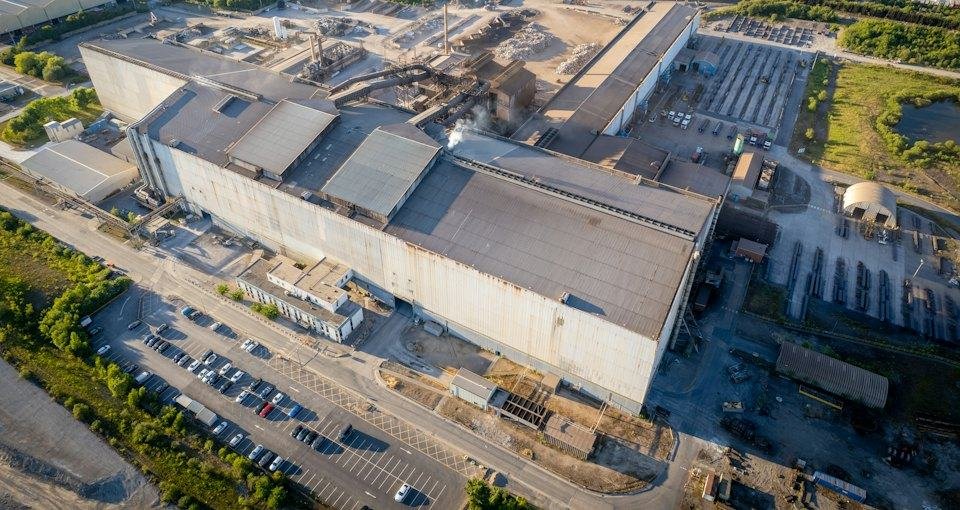
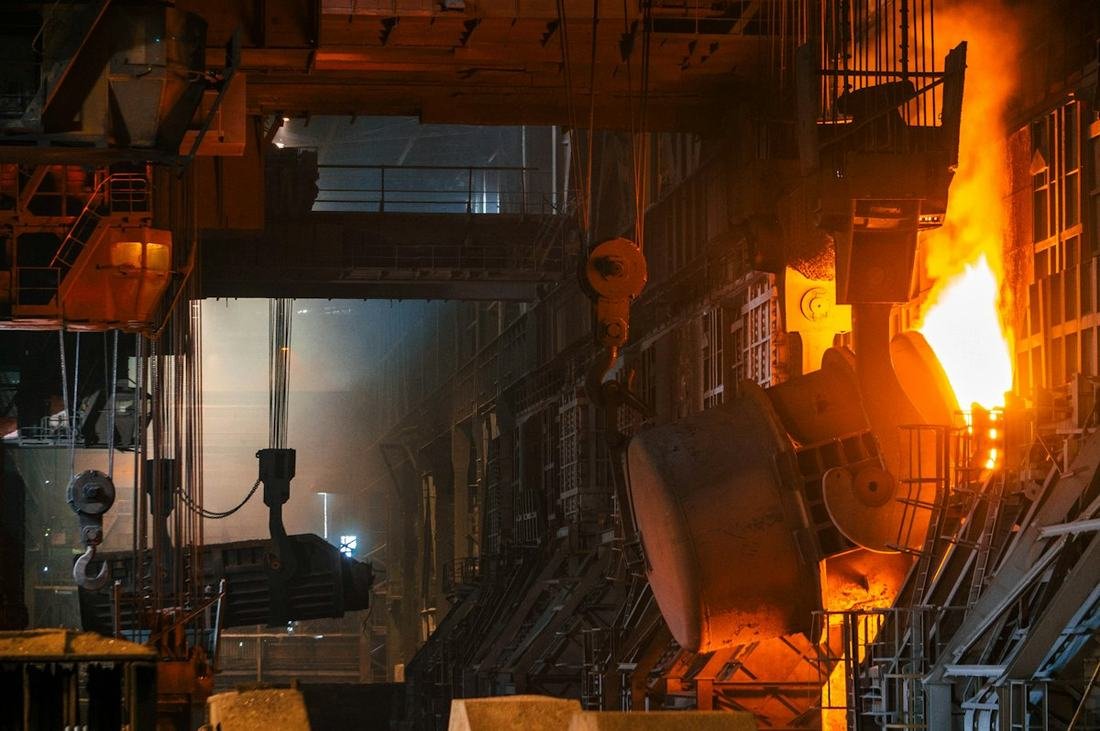
Glass & MetalProduct surface defects, process tracking and safety checks.
RetailCustomer movement, area density, product and stock tracking.
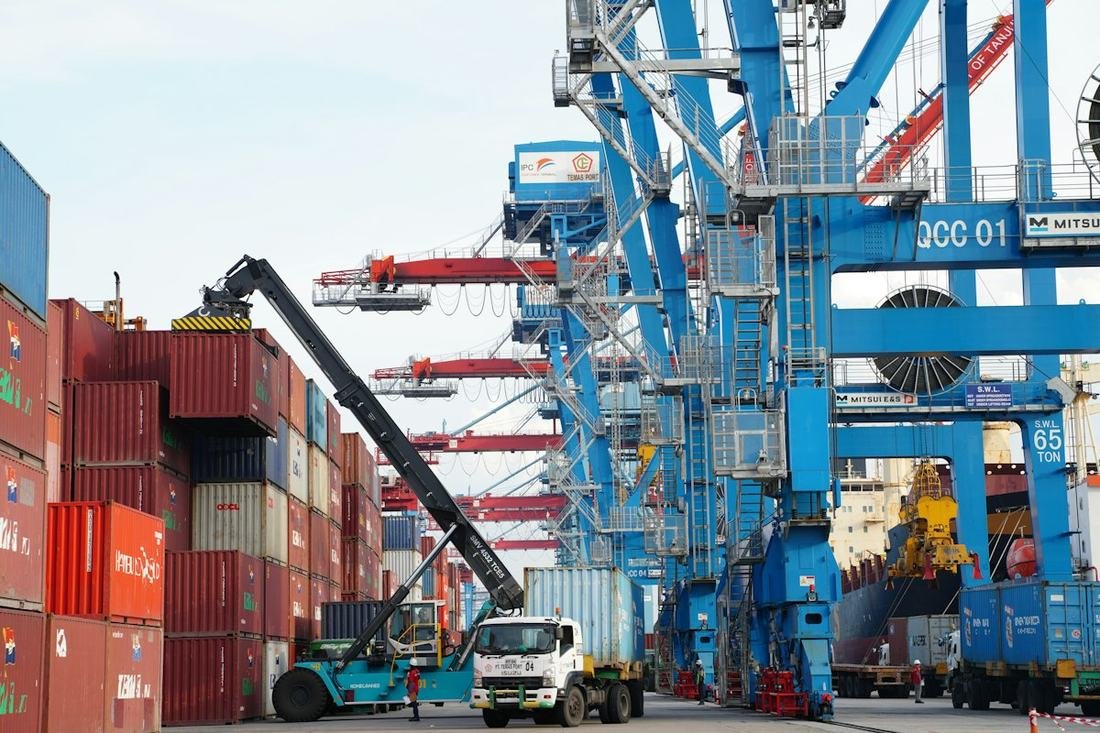
Logistics & WarehousingForklift movement, vehicle–pedestrian interaction and space utilisation analysis.
Facility ManagementSafe-zone tracking, unauthorised entry detection and operational monitoring.

Customisable AI scenarios for every sector.

Frequently asked questions

Questions about MonitEye

Short answers to the questions we hear most often. Write to us for anything else.

What is the MonitEye platform?

MonitEye is an AI video analytics and computer vision platform that turns existing cameras into a decision-support system, with more than 50 real-time applications for operational efficiency, quality control, occupational safety, security and retail.

Does it work with the cameras we already have?

Yes. MonitEye connects to your existing IP cameras, so in most projects no new camera investment is needed. If a scenario needs a dedicated view, such as an inspection station with special lighting, we design that station with you.

Can it run on-premise, on our own servers?

Yes. MonitEye can run on local servers inside your facility or in the cloud. With an on-premise setup, your footage stays inside your own network.

How are alerts and results delivered?

Detected events are recorded with image, camera and time, shown on the central dashboard and sent to the right people by email, WhatsApp, Telegram, SMS or the mobile app. Where required, MonitEye can also signal PLCs and relays in your automation system.

How do we get started?

We start with a pilot on your own footage: you pick a camera and a scenario, we analyse it and show the value before you commit to anything. After the pilot, the system is extended to more lines, areas or sites.

See it on your own cameras.

Pick a camera and a scenario. We analyse your footage and show you the value MonitEye creates, before you commit to anything.